 Relay
Screens Settings
Settings
Your ChatGPT connection, quoting preferences and your agency's carriers.
Open your account menu at the bottom left and choose Settings.
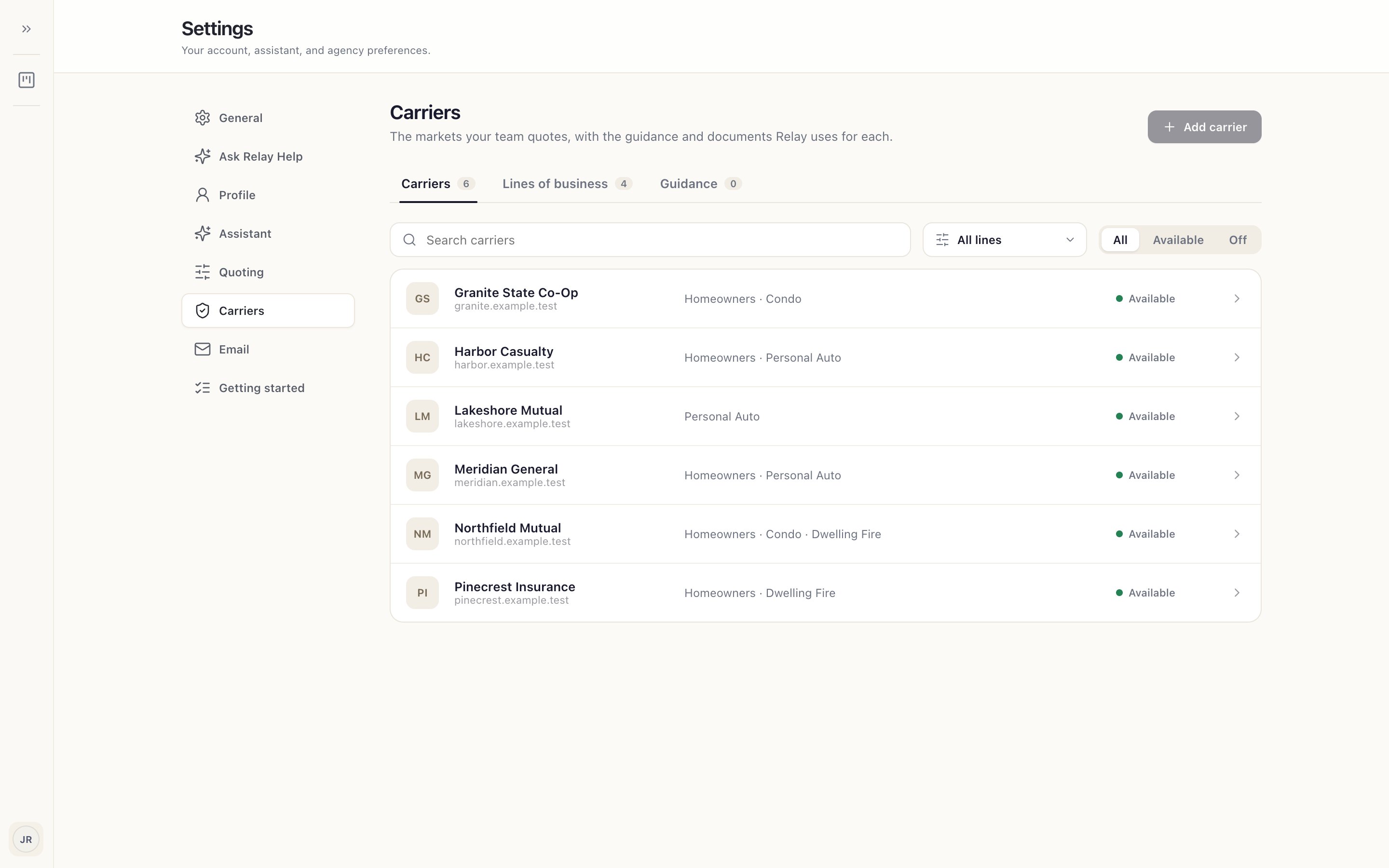
- Carriers
The carriers and lines your agency quotes. Your administrator manages this list. Check your carriers
- Carrier list
Each carrier and the lines it's set up for.
- Available
Carriers you can choose when you prepare a quote.
Good to know
- Assistant connects ChatGPT and shows its usage. Connect ChatGPT
- Quoting sets how runs behave, whether Relay saves quote proposals (Record Evidence), and Auto-launch on this computer. Changes apply to new runs.
- Getting started reopens the welcome and the practice quote.
Guides for this screen
- Connect ChatGPT Relay uses your ChatGPT account to work the carrier sites. Connect it once on each computer.
- Check your carriers Make sure the carriers you quote are set up for your agency before you start.
- Choose how your quotes run Decide when Relay stops to ask you, and whether it saves carrier proposals.
- Get your team to a first quote A checklist for agency administrators, so each quoter's first quote is a real one.