 Relay
Guides IT and administrators
Get your team to a first quote
A checklist for agency administrators, so each quoter's first quote is a real one.
Step 1: Set up carriers first
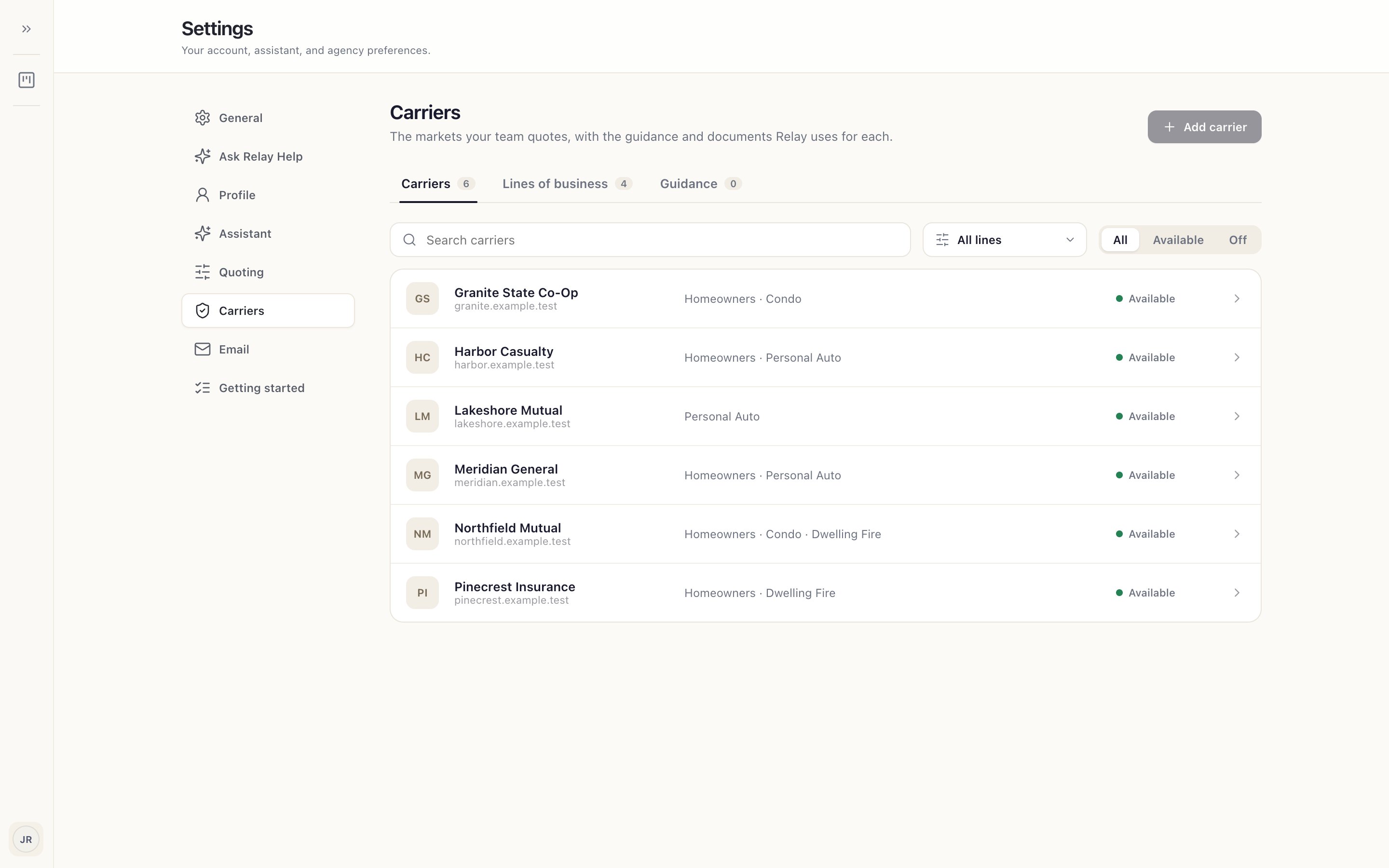
Before you invite anyone, add the carriers and lines your team will quote in Settings › Carriers 1. Quoters can't add carriers, and a quoter who signs in to an empty list can't do anything useful.
Step 2: Clear the network and ChatGPT
Work through IT prerequisites with your IT team, and decide which ChatGPT account each quoter will use, before the first session.
Step 3: Invite specific people with specific submissions
Invite the people who'll quote, and give each one a real, simple submission they'd quote this week: one line, one or two carriers they use often, a complete application.
Make sure each one has their own carrier logins and MFA device to hand.
Step 4: Count it when the results are real
A quoter is set up when they've run a real submission and opened carrier results they'd send, not when they've installed Relay or finished the practice quote. Then have them run the next one without help.
Point them to Run your first real quote.