 Relay
Guides Fix a problem
Troubleshooting
The things that most often stop a first quote, and what to do about each.
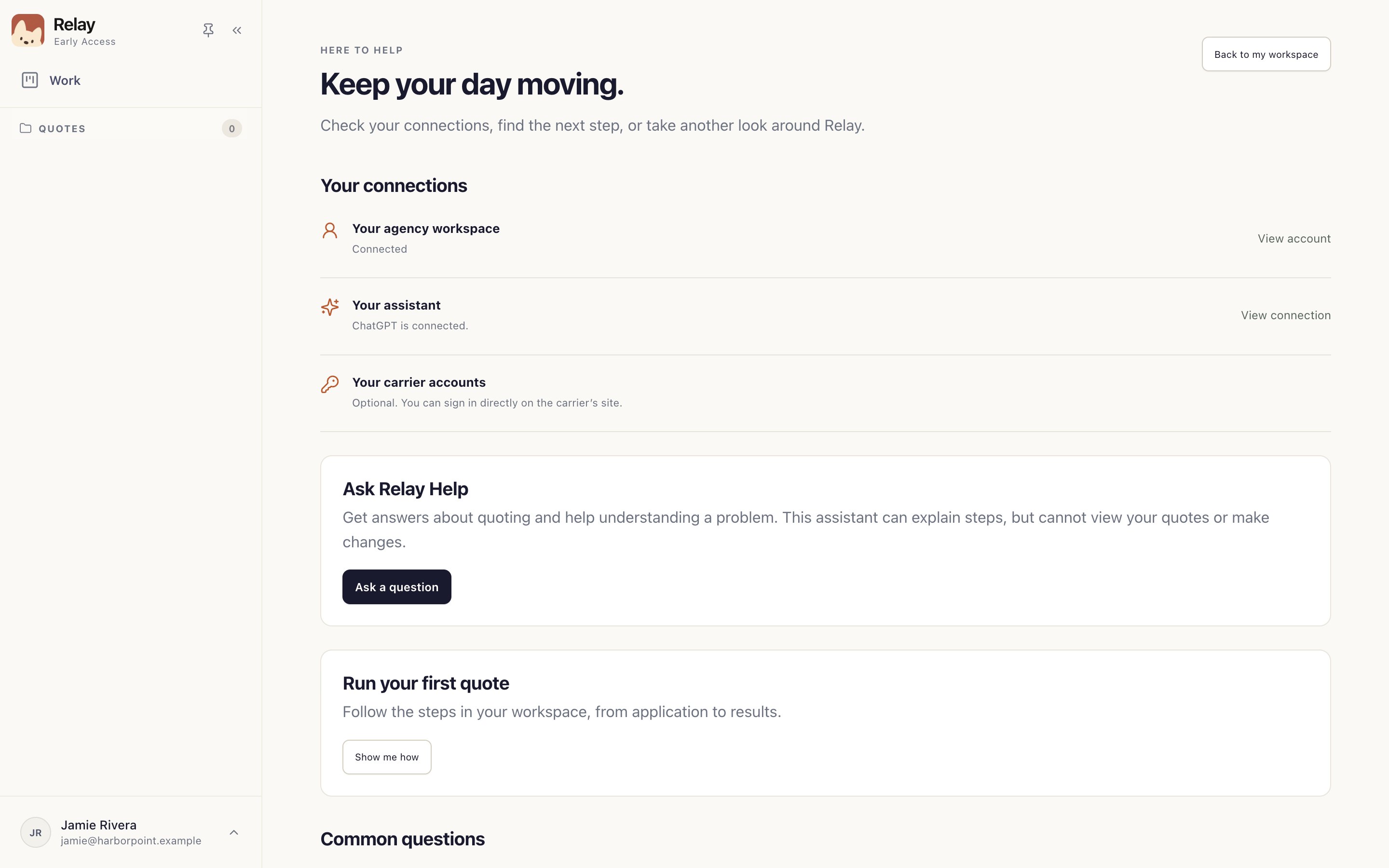
Step 1: Start with your connections
Open your account menu › Help & training. Your connections shows whether your agency workspace and assistant are connected 1. Most first-quote problems show up here.
Step 2: Ask Relay Help
Ask a question 1 in Help & training explains steps and helps you understand a problem. It can't see your quotes or change anything.
Step 3: Tell your administrator
Still stuck? In Help & training, choose Need more help? › Copy app details. It copies your Relay version and connection status, never client documents or passwords. Send it to your agency administrator with the screen you were on and the last chat message.
Something not working?
I can't see any carriers.
Your administrator sets up carriers for the agency. Check Settings › Carriers; if it's empty or yours is missing, ask them. See Check your carriers.
ChatGPT won't connect, or its sign-in page won't load.
Finish the sign-in in your web browser, then return to Relay and choose Refresh. If the page is blocked at work, your IT team needs to allow it. See IT prerequisites.
“Let’s reconnect to your agency.”
Check your internet connection and choose Try again. Your work hasn't been deleted and your password isn't wrong.
A carrier keeps asking me to sign in.
Sign in on the carrier's page yourself, enter any code it sends, and choose I'm signed in. See When a carrier needs you.
A quote paused and I don't know why.
Open the quote and read the last chat message. Don't start a second quote for the same client; it duplicates the work.
The required fields look like they're blocking me.
They aren't. An empty starred field doesn't stop a run. See Review the application.
A carrier result looks wrong.
Check it against the carrier's site, correct it on the result card, or choose Rerun.
Relay wants to restart for an update.
Finish what you're doing, then restart. If a quote is running, Relay asks first and saves it; use Restore browser after it reopens.