 Relay
Guides Quote
Prepare and run a quote
Confirm the carriers, add instructions if you need to, and start the carrier runs.
Step 1: Choose Prepare for run
On the application, choose Prepare for run at the top right. If it says Choose coverage or Choose carriers, one is missing.
Check the carriers 1; search 2 finds any other carrier your agency has set up. Then choose Continue 3.
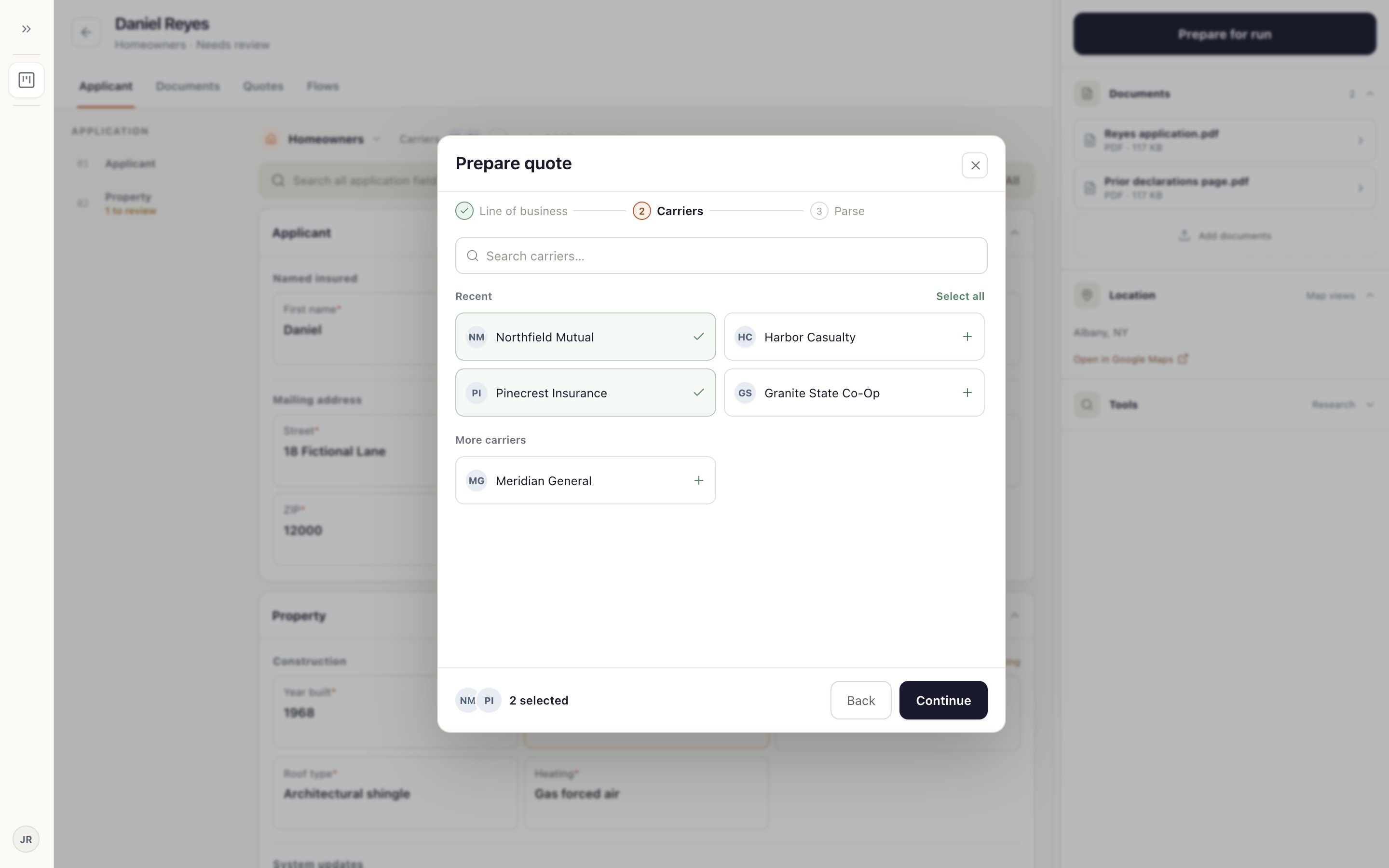
Step 2: Add instructions, then move it to Ready to run
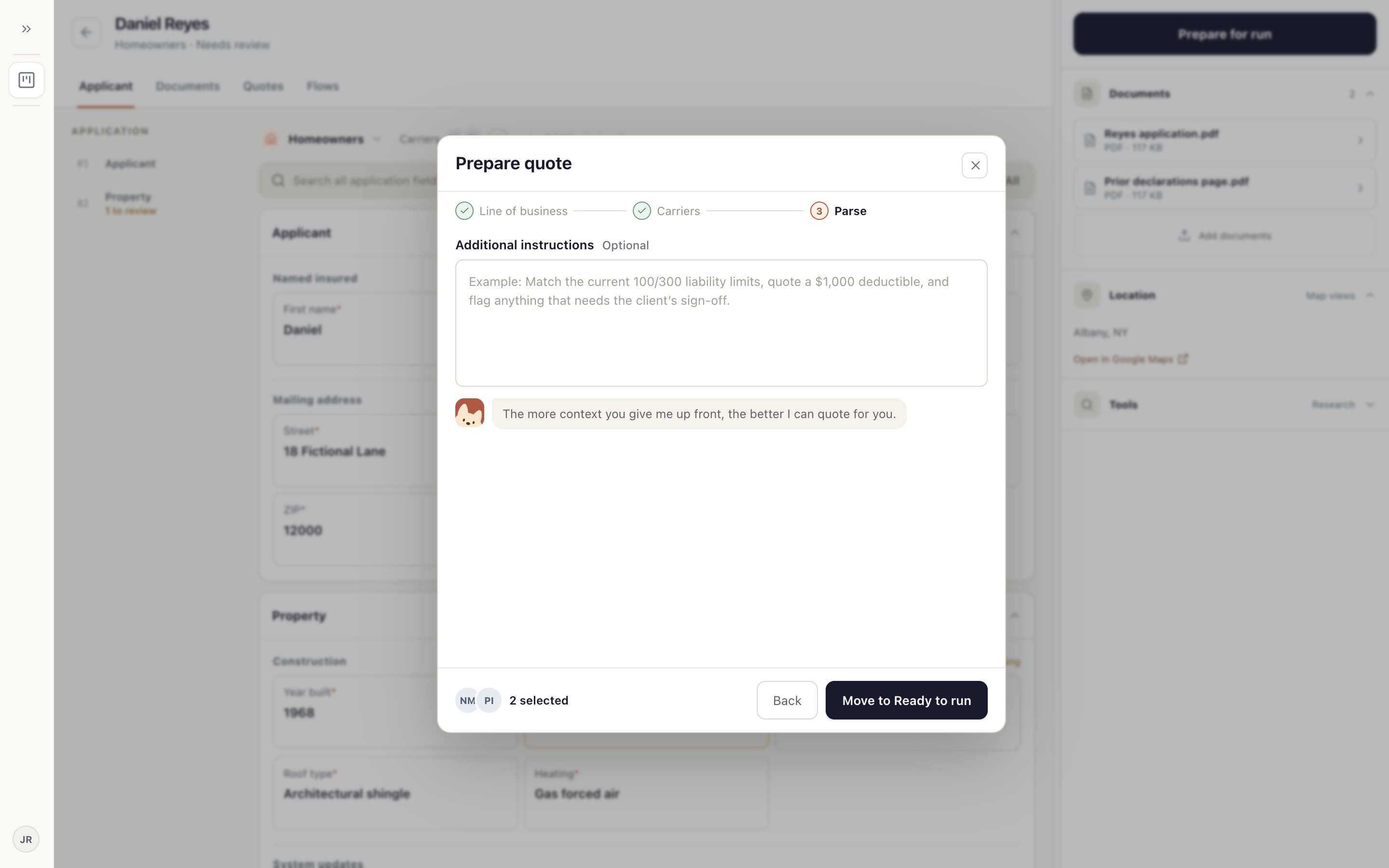
Add anything the carriers should know in Additional instructions 1, such as limits to match. It's optional.
Choose Move to Ready to run 2. The card moves to Ready to run. Still nothing has gone to a carrier.
Step 3: Run the carriers
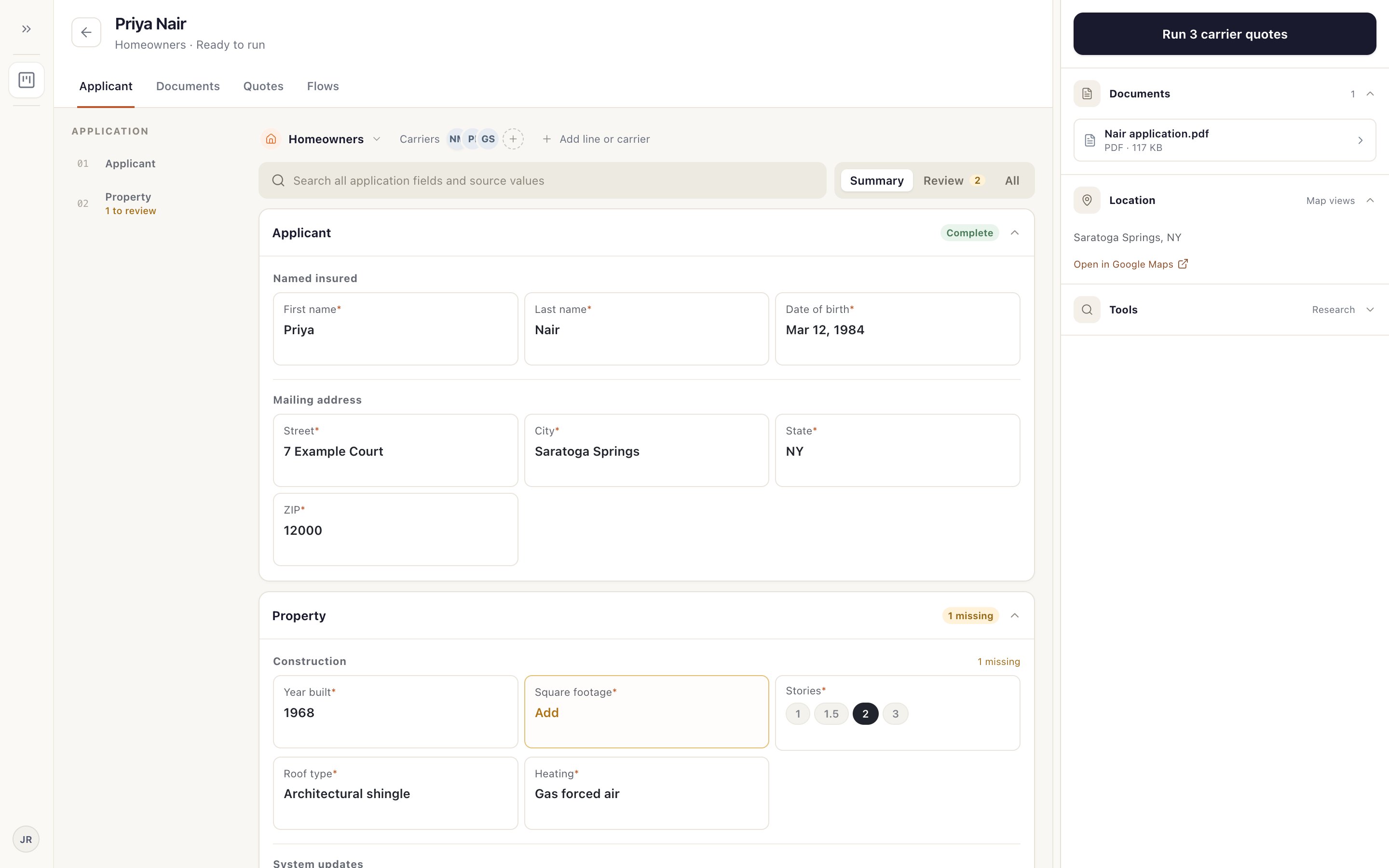
Open the card in Ready to run and choose Run 3 carrier quotes 1; the number matches your carriers. You can also choose Run quote on the card itself.
Relay opens a quote chat and a browser for each carrier. The card moves to In progress.
If the application changed after you prepared it, the button says Refresh and run quote and uses your latest values.
Something not working?
The run button is greyed out.
Refresh the card. If it stays grey, check the coverage and carriers are chosen.