 Relay
Guides Set up
Check your carriers
Make sure the carriers you quote are set up for your agency before you start.
Step 1: Open your carrier list
Open your account menu › Settings › Carriers. You'll see each carrier your agency quotes in Relay 1, the lines it's set up for 2 and whether it's Available 3.
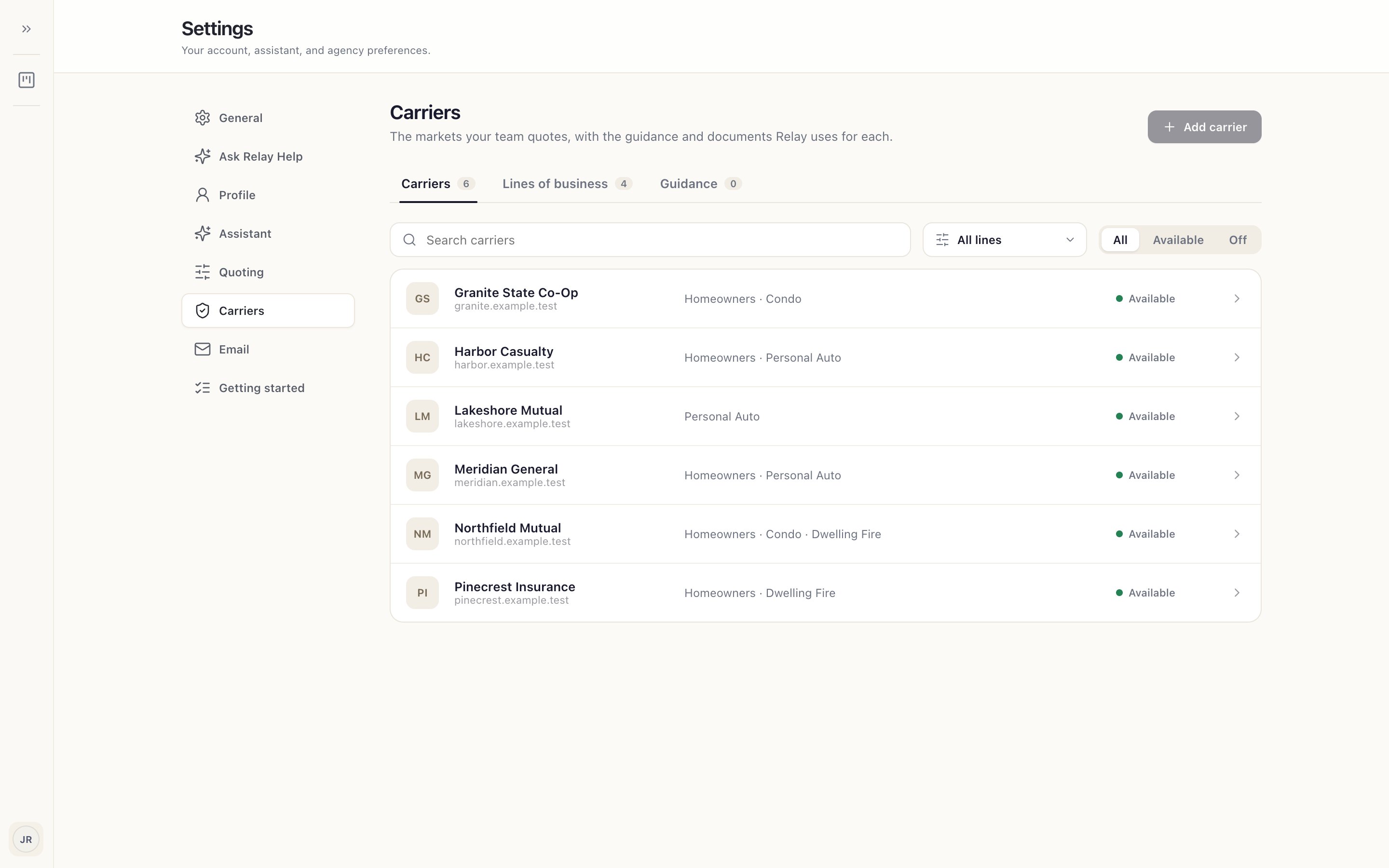
Step 2: If a carrier is missing
Your agency administrator adds carriers and lines of business. Installing Relay and signing in doesn't add any. Ask them to add the carrier, or to switch it on.
Step 3: Have your carrier login ready
You'll sign in to each carrier's website yourself during your first quote, so have your username, password and MFA device handy. See When a carrier needs you.